Leave your wallet at home? No way! Bind your MuseWallet card to Apple Pay in one tap, and enjoy a totally seamless mobile payment experience!
Life's pace is getting faster and faster these days—shopping, dining out, or hailing a ride all happen with a single tap on your phone. It's incredibly convenient! Especially with Apple Pay, just raising your wrist completes the payment—secure and lightning-fast. But the cards I used before always hit snags during binding: either "not supported" errors or endless verification loops that failed after all the hassle, nearly making me give up on mobile payments altogether.
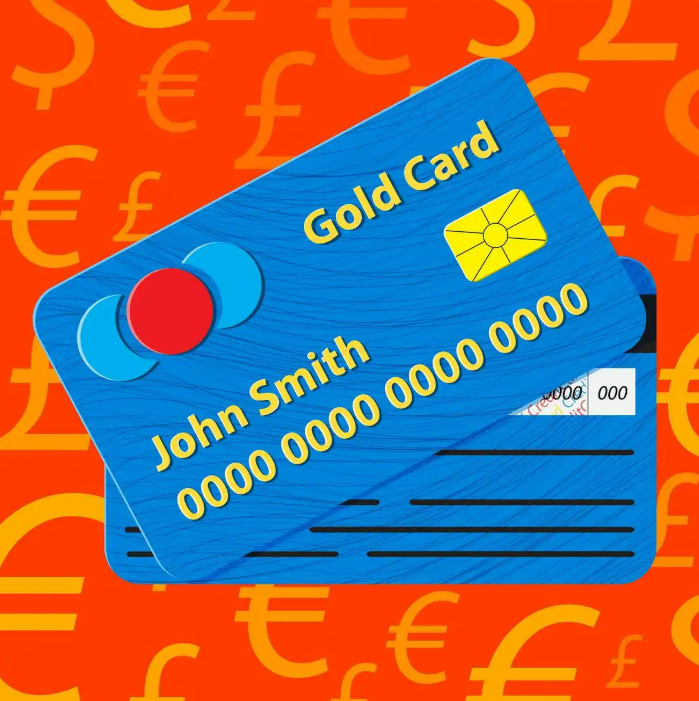
Then I discovered the Mastercard issued by MuseWallet, and binding it to Apple Pay was unbelievably smooth! Since then, I truly leave my wallet at home. My phone + Apple Watch are my complete payment arsenal—buying coffee, grocery shopping, online subscriptions—all settled with one tap. That feeling of freedom is absolutely exhilarating.
01 Why is binding a MuseWallet card so effortless?
Most binding failures come from mismatched addresses, insufficient balance, or regional restrictions. But MuseWallet's card is designed with real user needs in mind: the app provides a standard billing address ready to copy-paste. Plus, the card comes with high limits right after activation and supports most devices and regions, resulting in an exceptionally high success rate. My first attempt went through instantly—zero frustration.
02 The binding process is ridiculously simple—just a few minutes
Here's my personal step-by-step experience binding it on iPhone—super straightforward:
1. Open the "Wallet" app on your iPhone and tap the "+" icon in the top-right corner.
2. Select "Debit or Credit Card," then choose "Enter Card Details Manually" (virtual cards can't be scanned).
3. In the MuseWallet app, go to your card page and copy the 16-digit card number, expiration date, and CVV.
4. Use the exact billing address provided in the app—no changes needed.
5. When Apple sends the verification, the MuseWallet app pushes a notification for instant confirmation—approved in seconds!
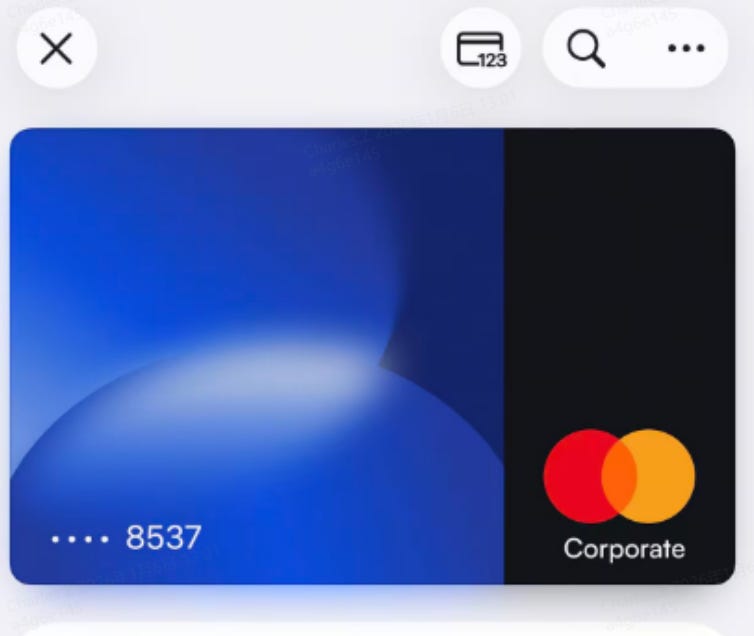
Once bound, set it as your default payment card. Now with Apple Watch contactless payments, it just beeps and it's done—merchants are often stunned: "That was fast!"
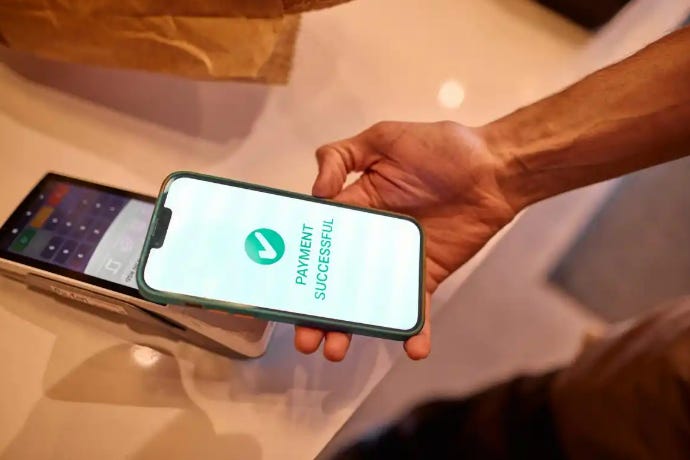
03 Safe, reassuring, and stress-free for everyday spending
After binding, Apple Pay uses tokenization technology, so your real card number is never exposed to merchants—maximum security peace of mind. MuseWallet cards also have generous limits that easily cover daily expenses, zero top-up fees, and transparent exchange rates, so you barely notice any extra costs.
I used to hesitate to try new cards because of binding fears, but with MuseWallet, I've finally gone fully hands-free. When friends ask why I've been heading out so "lightly equipped" lately, I always recommend they try this card—it's genuinely transformed my payment habits!


评论
发表评论